

Stockagile runs it.
Sage books it.
Stockagile is the retail operations layer —stock, purchasing, POS and sales— that complements your Sage ERP. The integration keeps sales, purchasing, costs and accounting aligned: every ticket, invoice and delivery note flows into Sage on its own, with no double entry and no manual month-end.
20-min personalized demo · No changes to your Sage · Native integration, no custom dev
Retail brands already running on Stockagile












Sage keeps your books. Stockagile runs your operations.
What changes the day your POS, your stock and your purchasing feed Sage on their own, with no one keying it in twice.
Zero double entry
Every in-store ticket, every invoice and every purchase delivery note lands in Sage the moment it happens. No more reconciliation spreadsheets or manual keying at the end of the day.

Purchasing and costs that match Sage
Receive goods in Stockagile at their real cost —price, freight and duties— with the supplier invoice linked to the delivery note. That cost travels to Sage on confirmation: what operations says it cost is what your books reflect.
Zero
double entry: sales, invoices and delivery notes land on their own
Automatic
every ticket, invoice and cash movement syncs as it happens
+1,200
stores running
Everything that happens in operations lands in Sage on its own
When a sales assistant closes a ticket at the POS, when a sales invoice is issued, when a purchase or transfer delivery note is confirmed, the operation syncs with Sage the moment it happens. No exports, no copying references, no manual reconciliation at the end of the day. You choose what to sync: tickets, invoices, cash movements and delivery notes, each independently.
See how it worksThe real cost of every purchase, matched to your books
In Stockagile you receive goods at their real cost —supplier price plus freight and duties— and link the purchase invoice to the receipt delivery note. That cost travels to Sage with the delivery note, so what operations says it cost is what your books reflect. No gaps between what you bought, what you received and what your accountant reconciles at month-end.
See how it worksReal stories from businesses like yours
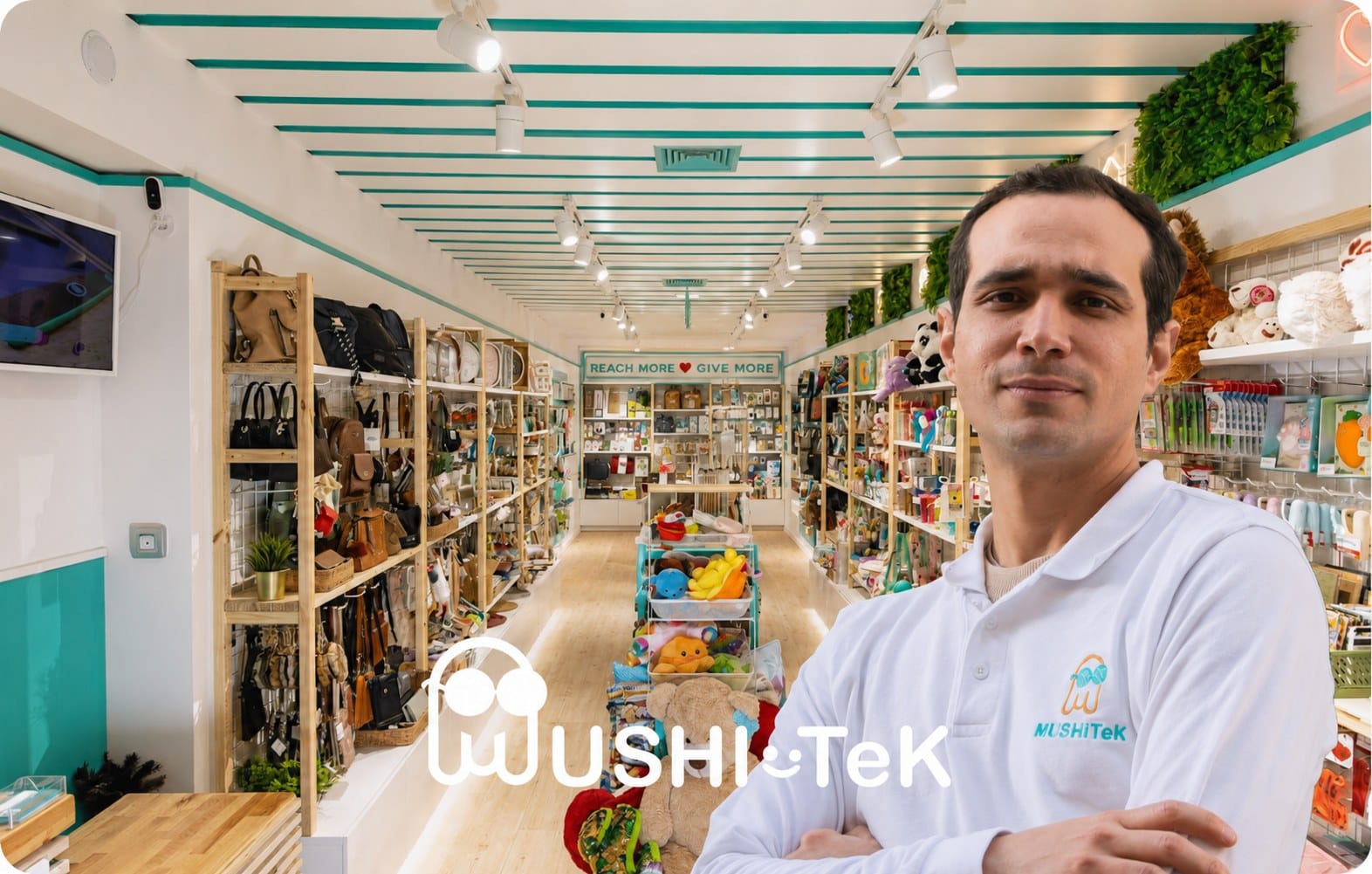
Tech · Retail
«Knowing exactly where I stand on finances, stock and sales helps me get from where I am now to where I want to take my business.»
Aldry Noriega · Owner
+1,200
stores running

Excellent, incomparable to others in service and quality of service
We are very happy with the change.
Gloria Victorero · on Google · translated

−70%
in operational errors
Works even better alongside the rest of your operations
Stockagile is the retail operations layer beneath your Sage ERP. Connect every piece and it all reconciles on its own, with no re-keying.
Inventory
One stock across every channel, in real time.
Purchasing
Buy on data: what, how much and from whom, at real cost.
Manufacturing
Bills of materials and production orders that feed your stock.
Planning
Replenish from the warehouse and buy before you run out.
Warehouse
Guided picking, packing and locations under control.
Orders
Every channel in one flow, with routing and returns.
Stores
Every sale updates stock, customer and till instantly.
Wholesale
B2B portal, wholesale pricing and orders, with invoicing.
Frequently asked questions
Does Stockagile replace Sage?
No, it complements it. Sage stays your accounting ERP and your financial source of truth. Stockagile is the retail operations layer that runs in front: POS, stock, purchasing, transfers, sales and invoicing. The integration connects the two without either one stepping on the other — each does what it does best.
Who handles what: what does Stockagile do and what does Sage do?
Stockagile runs day-to-day retail operations: the POS and in-store checkout, multi-store stock and transfers, supplier purchasing at real cost, sales and invoicing. Sage handles accounting and financial reporting: the chart of accounts, the close and the information for your accountant. The integration makes everything that happens in operations land in accounting on its own, without keying it in twice.
What information flows from Stockagile to Sage?
At the integration level, retail operations documents travel to Sage: POS sales tickets, sales invoices, cash movements (openings, closes, withdrawals) and purchase and transfer delivery notes on confirmation. You can turn each type of sync on or off independently from the Stockagile settings.
Is the sync automatic, or do I have to trigger it by hand?
It's automatic. Every event —closing a ticket, issuing an invoice, confirming a delivery note, balancing a register— triggers the sync with Sage without anyone having to do a thing. No scheduled exports, no buttons to press at the end of the day, so your books stop lagging behind operations.
Does the integration affect my current Sage setup?
No. Stockagile connects to Sage as a source of operational data, without changing your accounting setup or your chart of accounts. You don't change or migrate anything in Sage: it stays your ERP, and Stockagile feeds it the retail operations data you used to enter by hand. If you already work with a Sage partner, setup is quicker, but the Stockagile team guides the configuration either way.
You have Sage. Add the operations layer for your retail.
We'll show you how your operations —POS, stock and purchasing— would look flowing into Sage on their own, in a personalized 20-minute demo.
Native integration · no custom dev · no changes to your Sage