
Scan and you're done.
No typing, no errors.
Receive, count, sell, transfer and locate by scanning the barcode. Scan & Go mode with your phone or a scanner, and every movement lands in your real-time inventory on its own.
20-min personalized demo · No commitment · Data migration included
Retail brands already running on Stockagile












More speed. Fewer manual errors. More control.
What changes when every movement starts with a scan, not a spreadsheet.
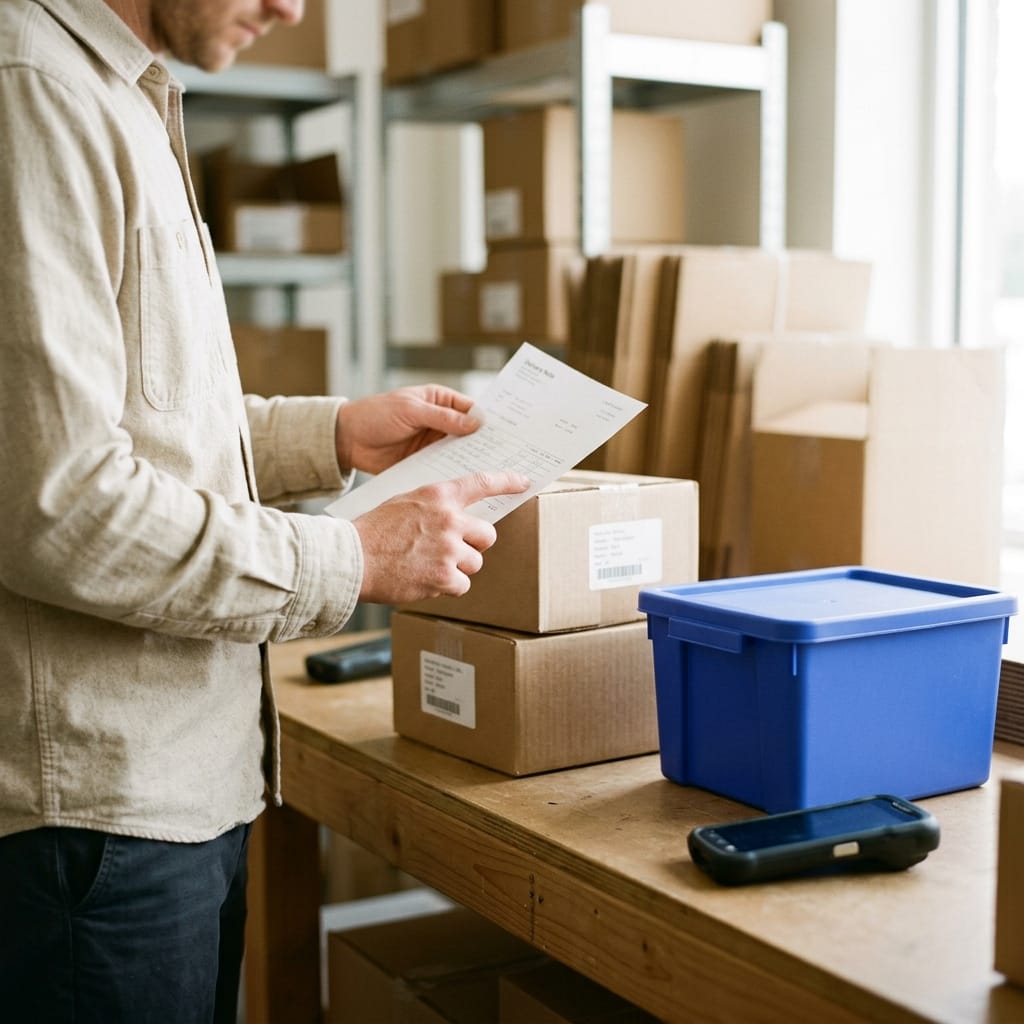
One scan, not ten keystrokes
Scan the EAN or SKU and the product appears on its own. No more wrong references or mistyped quantities.
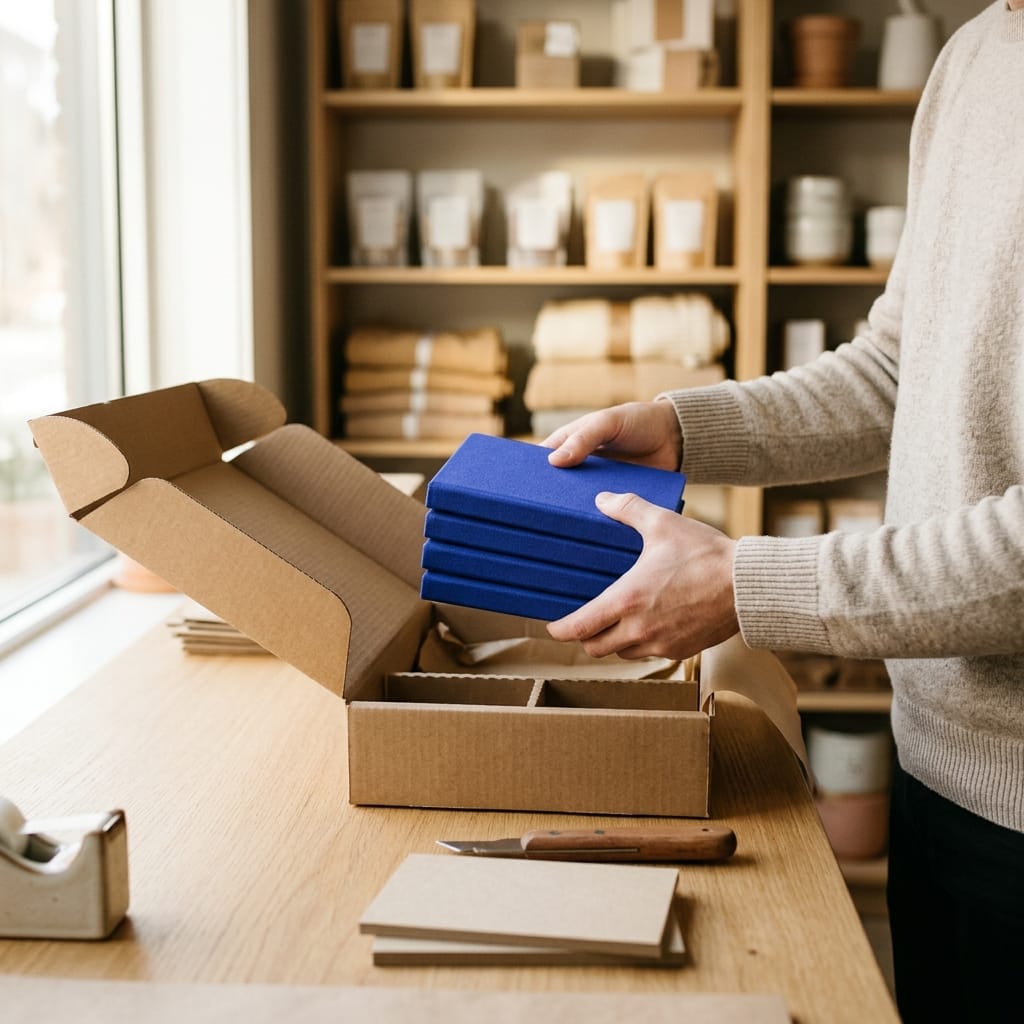
Receive by scanning, reconcile instantly
Scan what arrives and it reconciles against the order on its own. What matches goes into stock; discrepancies pop up on the spot.
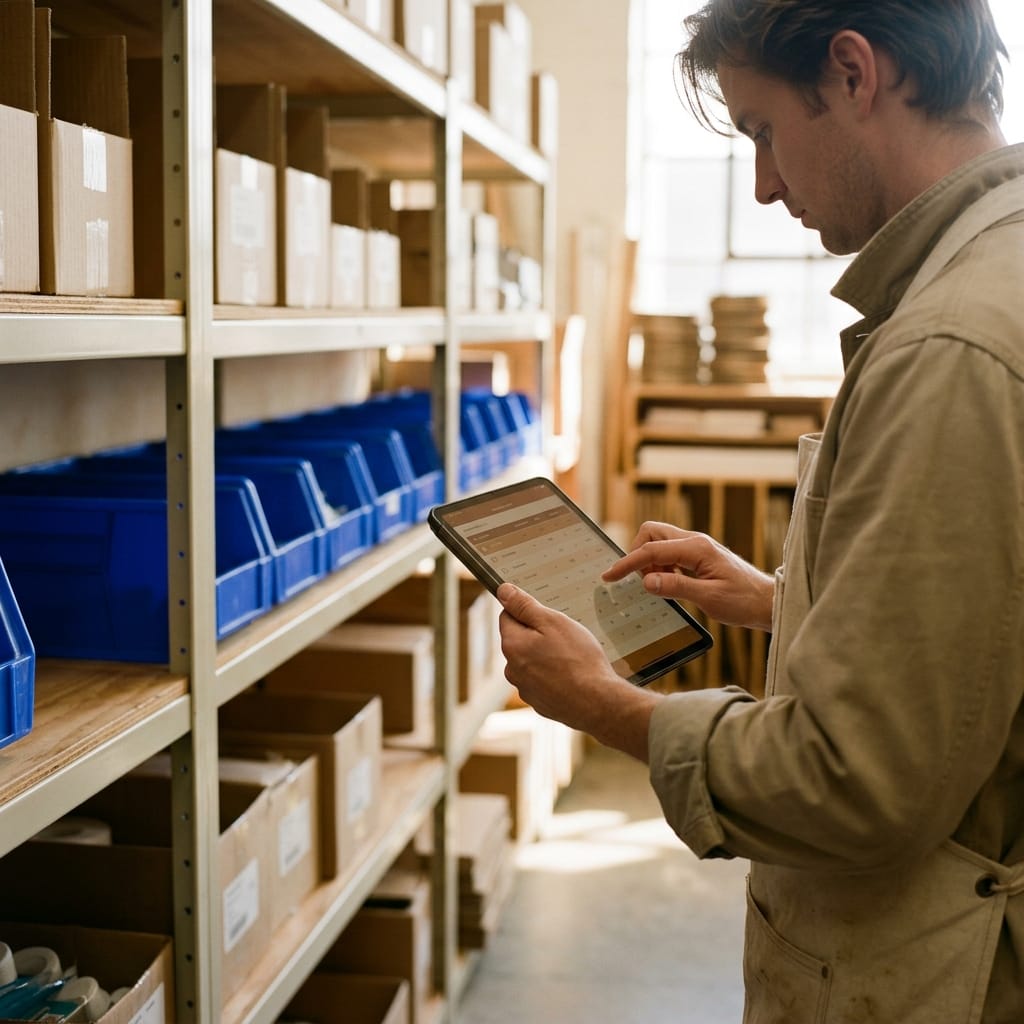
Count as you scan
Counts by scanning shelf by shelf, with no paper or printouts. Reconcile in an afternoon what used to take you days.
Sell, move and locate just as fast
The same scan lets you sell at the POS, transfer between stores or locate where any reference is.
−95%
typing errors in receipts and counts
3×
faster to count and receive by scanning
Phone or scanner
Scan & Go with no special hardware
Receive by scanning, reconcile on its own
Scan each box or unit as it arrives and it reconciles against the purchase order in real time. What matches goes straight into stock; discrepancies —shortages, overages, references that shouldn't be there— pop up instantly with their reason.
See how it works Count with the scanner, no paper
Run partial or full counts by scanning shelf by shelf, with your phone or a scanner, without closing the store. Each scan adds to the count and reconciliation against the system is automatic: you see the difference and adjust it with its reason.
See how it worksSell and move with the same scan
The same gesture works for everything: scan at the POS to sell, scan to transfer between stores and warehouses, scan to locate where any reference is. No typing codes or searching by hand through endless lists.
See how it worksWith your phone or a scanner, no special hardware
Scan with your phone's camera in Scan & Go mode or with a Bluetooth or USB scanner, in the store or the warehouse. It supports EAN, SKU and your own labels. Each scan lands in your real-time inventory on its own, with no paper or double entry.
See how it works
Customer stories from teams that operate faster with a simple scan.
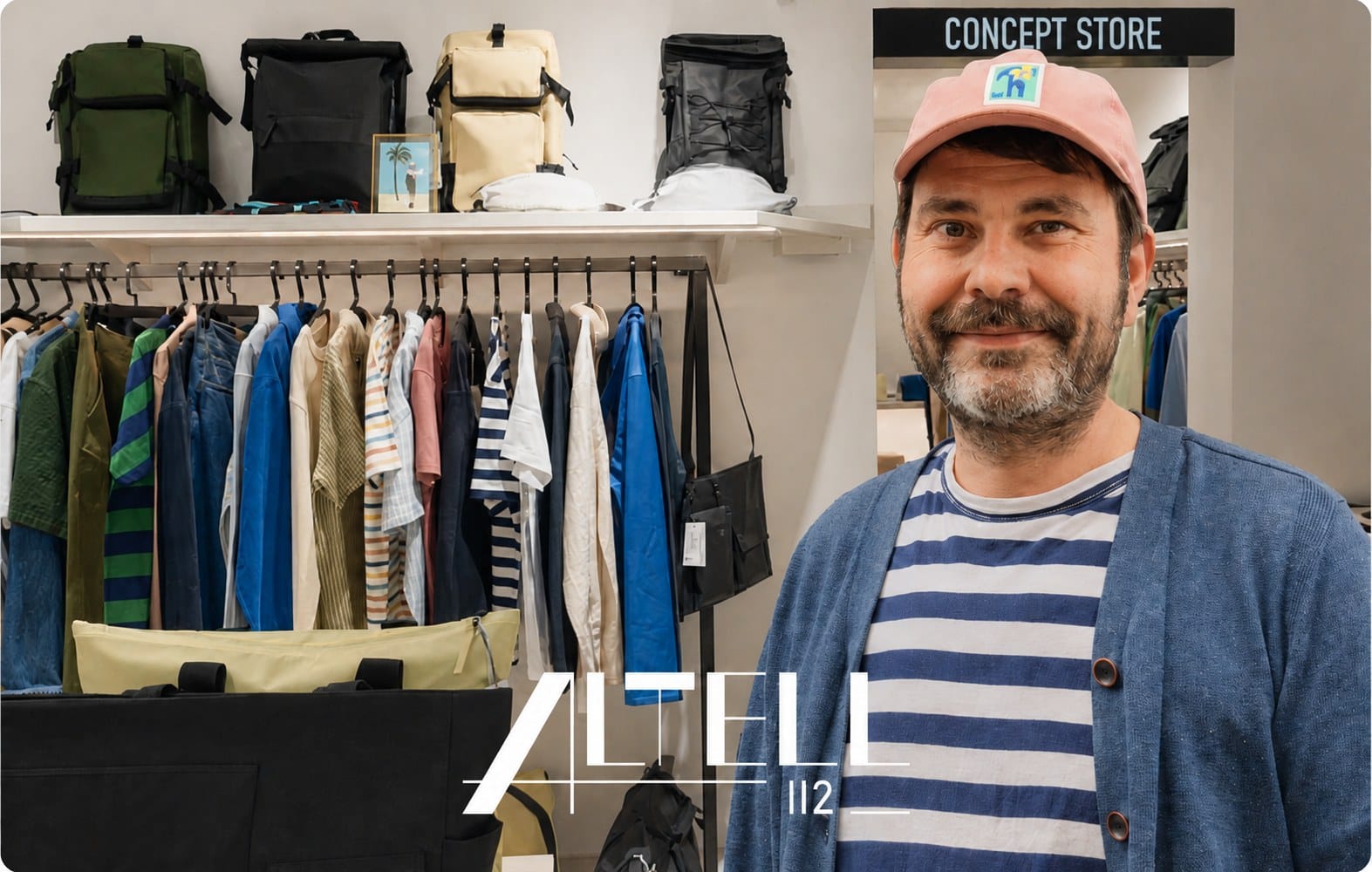
Retail · POS + Stock
«For anyone running a retail business it’s a must — unless you want to spend hours on spreadsheets.»
Carles M. Fernández · Owner
+1,200
stores running
A very satisfying experience with Stockagile
My experience with them started, and continues to be, very good. I don't think I could have made a better choice picking them. From the moment I requested information, through managing the Kit Digital voucher, and finally, to this day, they have given me professional support. It brings a lot of satisfaction and a lot of peace of mind. I really love using the program. I use it for my e-commerce and during events, where memorizing the prices is sometimes not possible or where we need control over the product, being a tool that has made our work so much easier. My products are in order, they are complete and the system works very well for me, adjusting to all my demands or, rather, to my way of working. I have also adapted to the program. I recommend Stockagile. If you have doubts, give it a chance, request information and try it.
Lola R. Pérez · on Trustpilot · translated
−70%
in operational errors
Everything you handle by scanning.
A single gesture for every step of your operation. Open each block to see how it works.
Receive and count
Sell and move
Sell at the POS
Scan the code and ring it up, stock updated instantly.
Transfers
Scan to move between stores and warehouses.
Location
Scan and know where any reference is.
Works even better alongside the rest of your operations
Scanning is the gateway. Connect it with inventory, purchasing and the POS so everything reconciles on its own.
Purchasing
Buy on data: what, how much and from whom, at real cost.
Manufacturing
Bills of materials and production orders that feed your stock.
Planning
Replenish from the warehouse and buy before you run out.
Warehouse
Guided picking, packing and locations under control.
Orders
Every channel in one flow, with routing and returns.
Stores
Every sale updates stock, customer and till instantly.
Ecommerce
Shopify, WooCommerce and marketplaces in sync.
Wholesale
B2B portal, wholesale pricing and orders, with invoicing.
Frequently asked questions
Do I need a special scanner or is my phone enough?
Your phone is enough. In Scan & Go mode you scan with the camera, no extra hardware. If you'd rather use a dedicated scanner, it works with standard Bluetooth or USB scanners, both in the store and the warehouse.
What codes can it read?
EAN and other standard barcodes, your SKUs and your own labels. If your product already comes with a factory code, you use it; if not, you can generate and print your labels with Stockagile.
Does it really cut down errors?
Yes. By scanning the code instead of typing the reference and quantity, typing errors disappear: the right product is identified on its own and each scan adds one unit. Fewer mismatches in receipts, counts and sales.
Can I receive merchandise by scanning?
Yes. You scan what arrives and it reconciles against the purchase order in real time. What matches goes straight into stock and discrepancies (shortages, overages, wrong references) pop up on the spot with their reason.
Can I take inventory without closing the store?
Yes. You run partial or full counts by scanning shelf by shelf while you keep selling. Each scan adds to the count and reconciliation against the system is automatic.
Does scanning update stock instantly?
Yes. Each scan —receipt, count, sale or transfer— lands in your real-time inventory on its own, synced across all your stores, warehouses and channels. No double entry and no paper to key in later by hand.
Ready to stop typing and start scanning?
We'll show you how it would look with your operations, in a personalized 20-minute demo.
Onboarding in weeks · data migration included