
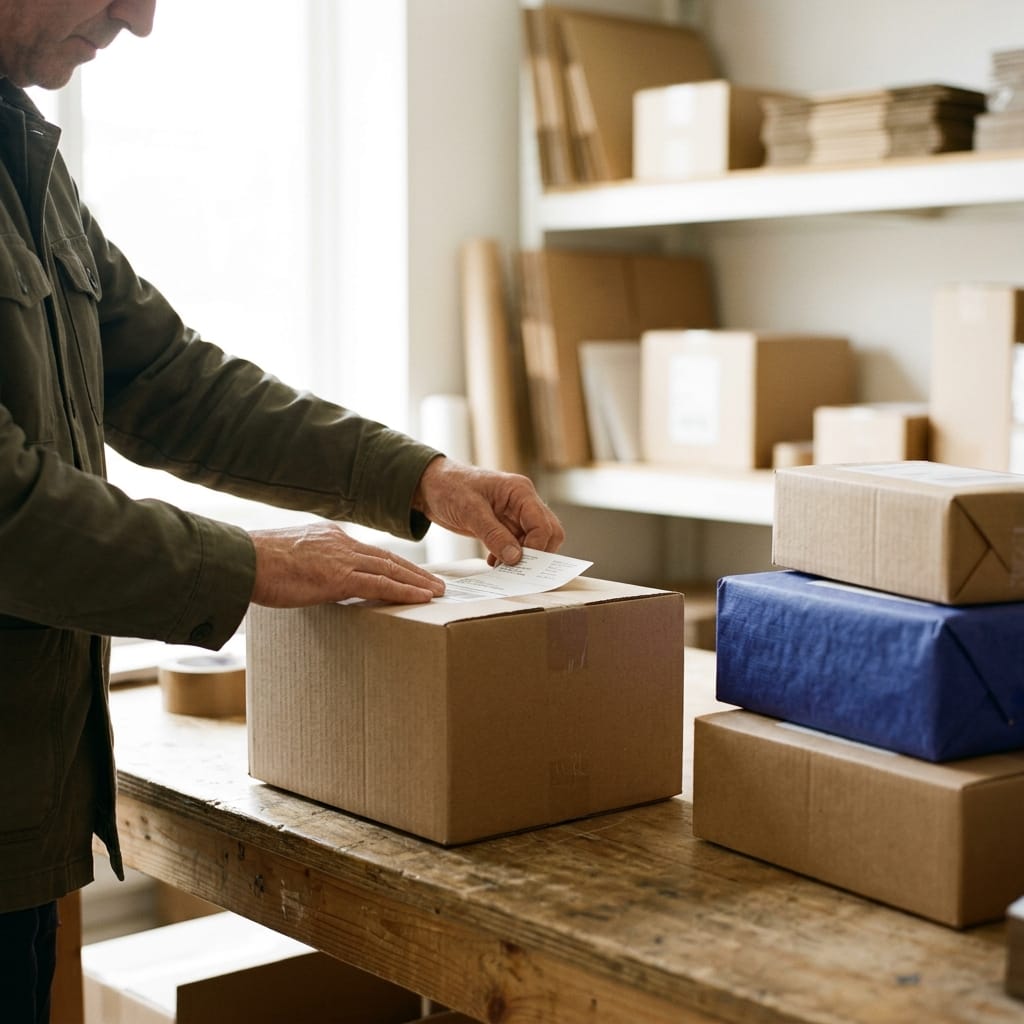
From the order to the customer's door.
Without sticking labels by hand.
Generate the carrier label, the delivery note and the tracking number from the order itself. With Sendcloud built in, you pick and ship orders in bulk, with no jumping between carrier websites.
20-min personalized demo · No commitment · Sendcloud included
Retail brands already running on Stockagile












Fewer tabs. Fewer errors. More orders on the truck.
What changes the day the label stops living on the carrier's website.
The label, from the order
Address, weight and packages pre-filled from the order. Generate the carrier label without copying data or opening another site.

Packing and boxes with their real weight
Log the contents, weight and dimensions of each package before labeling. The carrier gets real data, you avoid surcharges.
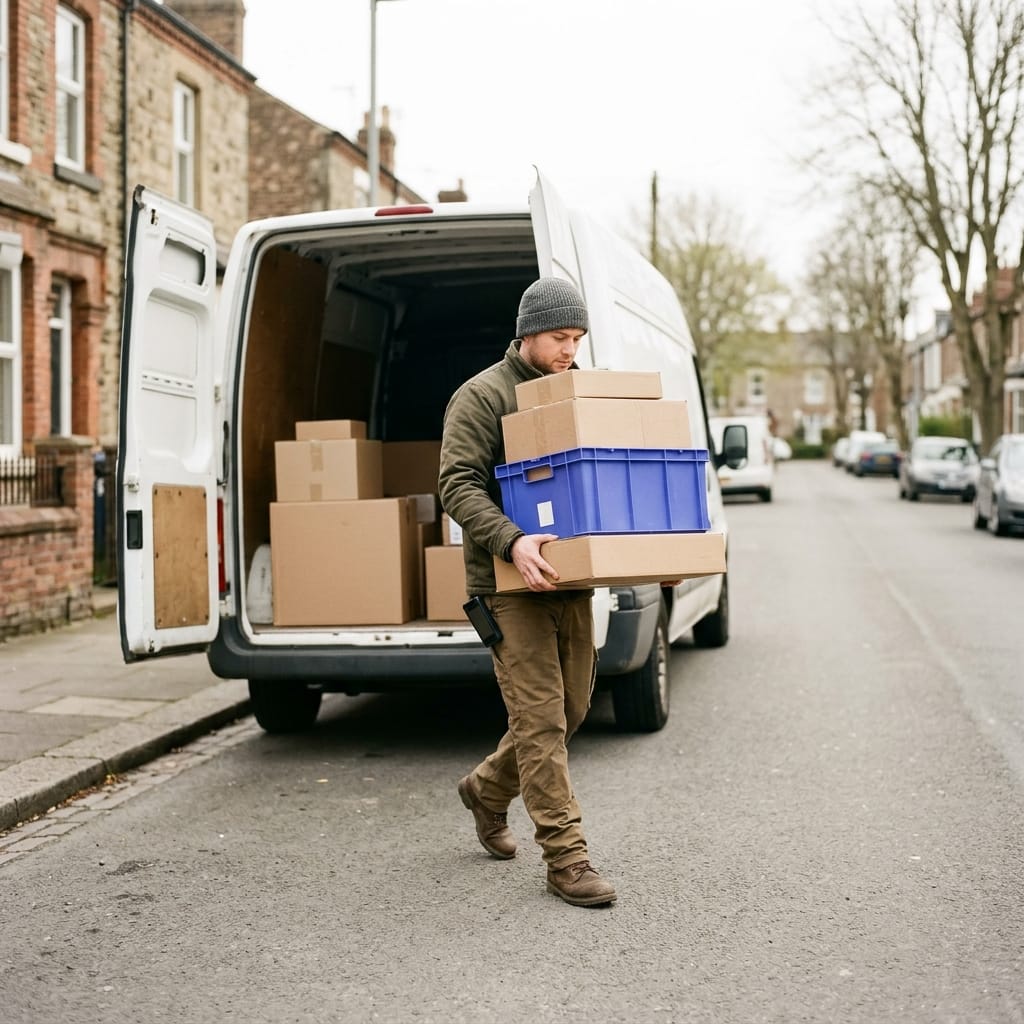
Fifty orders, a single step
Select the packed orders and generate every label at once. Done before the carrier stops by to collect.
Tracking links itself
The tracking number stays on the order the moment you generate the label. Your team and your customer can see it without asking anyone.
1 click
from packing to a generated label
47 at once
labels generated in a single batch
0
data copied by hand between sites
From the order to the door
The label, the packing and the tracking of every shipment, live in a single place.
47 at once
labels generated in a single batch
“One click from the order and the tracking shows up on its own.”
Operations lead · omnichannel ecommerce
Everything from the order
Label, delivery note and tracking come out of the same order, with no jumping between carrier websites.

0
data copied by hand between sites
The carrier label, right from the order screen
Delivery address, weight, number of packages and shipping method come from the order: there's nothing to copy or type. You generate the label and the order flips to "Ready to ship" instantly, with its tracking linked.
The right carrier for every order, without opening Sendcloud
Native Sendcloud integration: set it up once and from then on you pick the shipping method —express, economy, pickup point— right from the order. Each warehouse or store ships with its correct sender address.
Pack with the real weight. The label comes out with exact data
Log what goes in each box, how much it weighs and its dimensions before labeling. The weight on the label is what the package actually weighs, not an estimate: you avoid volumetric-weight surcharges and content claims.
The delivery note inside the box. The tracking, traced to delivery
Print the delivery note for each order from packing so the operator knows what's inside. And when the carrier collects, the shipment status moves on its own: your support team and your customer can see where the order is without ever opening the carrier's website.
Customer stories from teams that ship faster and with fewer errors.
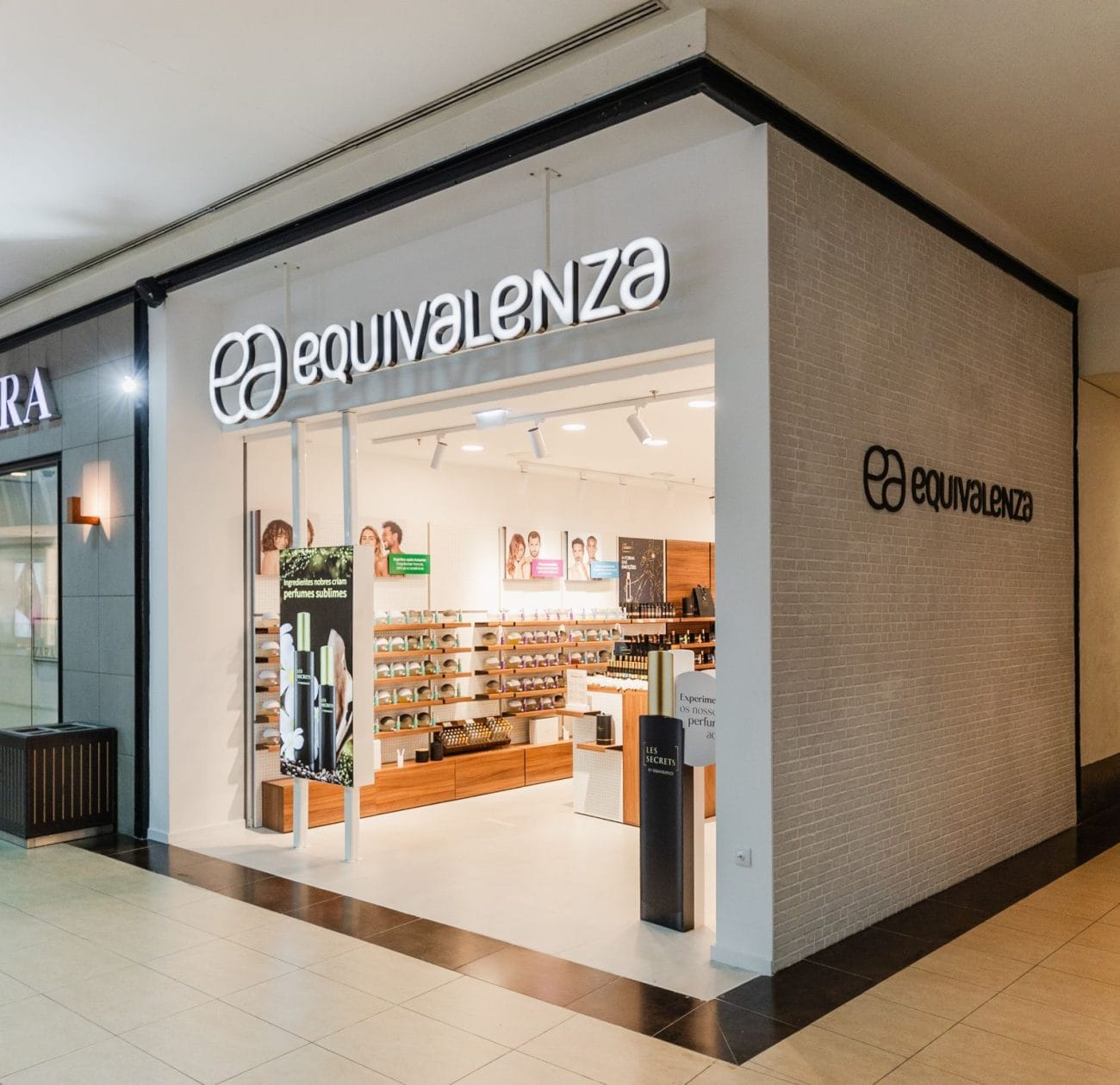
«With Sendcloud and Stockagile I get the best of both worlds. There’s always someone available to talk to — a partner that walks alongside us so we can grow together.»
Gabriel Ginés · CIO at Equivalenza
+1,200
stores running
Excellent tool and a great team behind it
We are very happy with Stokagile. It's a system that works very well in the day-to-day and helps us manage our business efficiently. We especially highlight the speed with which they implement improvements and new features, which shows that they are constantly evolving and always up to date with the needs of the market. In addition, their team listens to customers' suggestions and works to keep the platform updated and adapted to changes. Without a doubt, a highly recommendable solution for any company looking for a modern, agile and continuously improving tool.
Miguel · on Trustpilot · translated
−70%
in operational errors
Your whole shipping workflow in one place. And fully traced.
From the label to the tracking, every shipment in a single flow. Open each block to see how it works.
Prepare and label
Carrier labels
Address, weight and parcels pre-filled from the order.
Bulk labeling
All labels for the prepared orders, in one step.
Packing and shipping boxes
Real contents, weight and dimensions per parcel.
Delivery notes
The paper inside the box, printed from packing.
Carriers
Sendcloud integration
Carrier, shipping method and label without leaving the system.
Shipping method selection
Express, economy or pickup point per order.
Volumetric weight
Real dimensions to avoid extra carrier charges.
Sender by location
Each warehouse and store ships with its correct address.
Tracking and after-sales
Tracking linked to the order
The tracking on the order, with no copying or asking.
Automatic shipping statuses
The order advances on its own when the carrier picks it up.
Cancel and relabel
Fix the order and redo the label before pickup.
Returns and return labels
Handle the exchange and the return label with no hassle.
Works even better alongside the rest of your operations
Shipping is the last step. Connect it with the warehouse, stock and channels so you can grow without fear of breaking the operation.
Inventory
One stock across every channel, in real time.
Purchasing
Buy on data: what, how much and from whom, at real cost.
Manufacturing
Bills of materials and production orders that feed your stock.
Planning
Replenish from the warehouse and buy before you run out.
Orders
Every channel in one flow, with routing and returns.
Stores
Every sale updates stock, customer and till instantly.
Ecommerce
Shopify, WooCommerce and marketplaces in sync.
Wholesale
B2B portal, wholesale pricing and orders, with invoicing.
Frequently asked questions
Which carriers does it work with? Do I need Sendcloud?
Labeling directly from Stockagile works through the native Sendcloud integration. That gives you access to every carrier you have activated in your Sendcloud account and to their shipping methods (express, economy, pickup point). You set up Sendcloud once and, from then on, you pick the carrier and generate the label without leaving Stockagile.
Can I generate the labels for several orders at once?
Yes. With bulk labeling you select every order in the "Packed" status and generate all the labels in a single step. Each label is linked to its order and the tracking number is assigned automatically. It's ideal for the end of the day or when the carrier stops by to collect: a single action for the whole stack of packages.
Does the order data fill in the label on its own?
Yes. The delivery address, the number of packages and the shipping method come straight from the order. The weight can be pre-filled per item or logged as you close each box in packing. There's nothing to copy by hand, which eliminates address errors and mislabeled shipments.
Does the tracking number reach the customer automatically?
The tracking number is linked to the order the moment you generate the label, visible to your team and to customer support without opening the carrier's website. Whether the customer gets notified depends on your notification setup: if you have tracking emails active in Sendcloud or in your ecommerce, the customer receives it automatically.
What if I make a mistake? Can I cancel a label?
Yes. As long as the carrier hasn't collected the package, you can cancel the label from Stockagile without opening Sendcloud. The order returns to its previous status so you can correct it and relabel with the right data. The cancellation is logged in the order's history.
Does it handle delivery notes and returns too?
Yes. You print the delivery note for each order from packing so the team knows what's inside each box —it's an operational document, with no prices. And for after-sales, you generate return labels and handle the exchange or return from the order itself, with no loose processes outside the system.
Ready to ship more orders with fewer steps?
We'll show you how it would look with your volume and your carrier, in a personalized 20-minute demo.
Sendcloud included · onboarding in weeks · no proprietary hardware