
Every product in its place
for efficient picking.
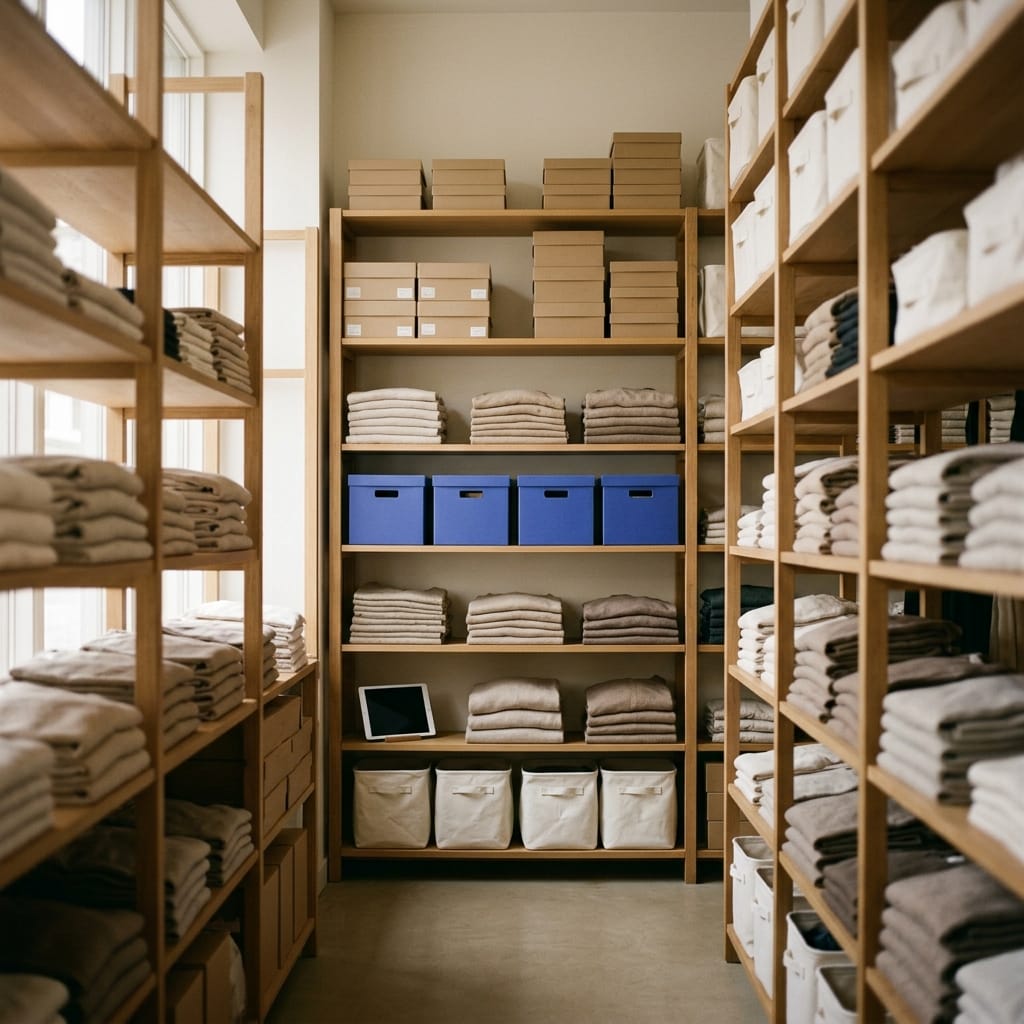
Assign each reference its physical location — aisle, shelf, level — in every warehouse. The system knows where each unit is, so your team goes straight to it instead of searching order by order.
20-min personalized demo · No proprietary hardware · Onboarding in weeks
Retail brands already running on Stockagile












Lose neither products nor time.
What changes the day every reference has its place and the system remembers it for you.
No reference left unlocated
The system tells you which products have no location. You fill them in at your own pace, without stopping operations.
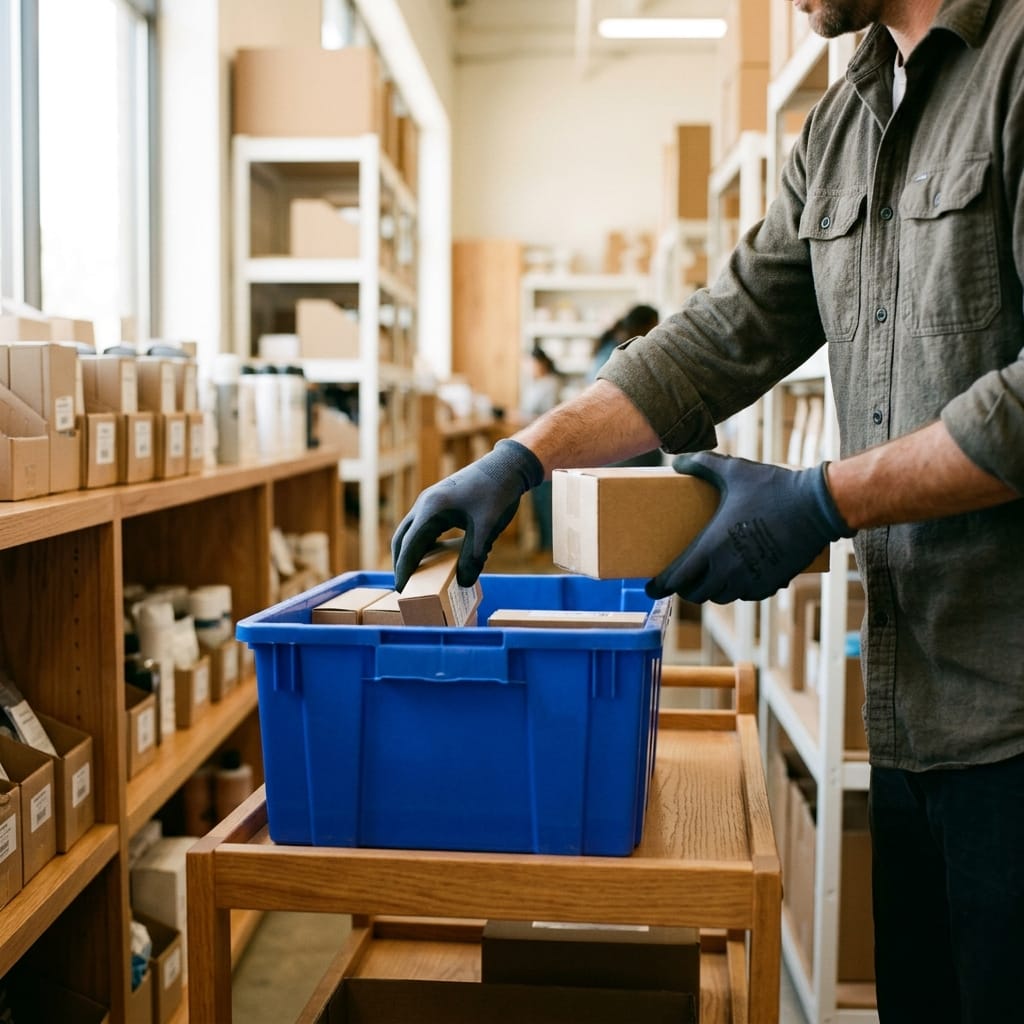
The team goes straight, doesn't search
Every picking line carries its location. The operator knows where to go, not just what to grab.
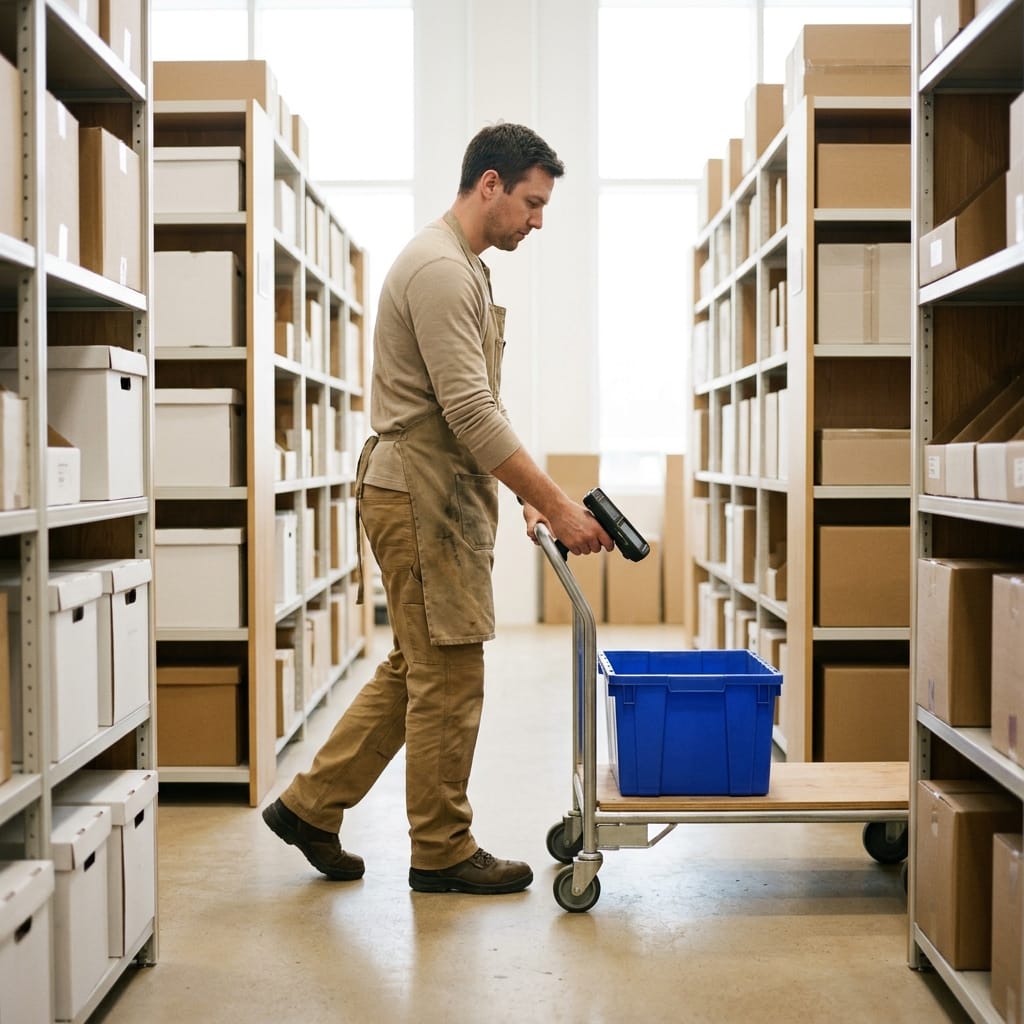
The route sorts itself
The system uses each product's location to sort the list by the shortest path. Fewer steps per order.
Every warehouse with its own map
Locations by warehouse and store. The team at each site works with its own layout; you see everything from one panel.
0
references unlocated, with the control of products without a location
Shortest path
the picking route sorts itself by physical location
No proprietary
hardware: assign and check from phone, tablet or computer
No reference lost. The system tells you which ones are missing
Turn on the filter for products without a location and instantly see which references still have no place assigned. You fill them in progressively, without stopping operations: the warehouse improves while it keeps running.
See how it worksDefine how your warehouse is organized. The system learns it once
Create locations with the names you already use — A-12, B-03, Outlet Zone — with no formats imposed. Assign each product to its place from its record, or create new locations on the fly while you assign, without leaving the flow.
See how it works
The system calculates the route. The operator just follows it
Every picking order sorts itself by each product's physical location, so the path is as short as possible. And if you group several orders into one, the route stays optimal: it sorts all products by location, not order by order.
See how it worksMultiple warehouses, each with its own internal organization
Each warehouse and each store has its own layout: the Barcelona team works with the Barcelona map, the Madrid team with the Madrid one. The picking of each order uses the map of the site preparing it, and you get consolidated visibility of all locations from the general panel.
Stories from warehouses that know where every product is at all times.

Retail · Accessories
«Thanks to Stockagile I can quickly tell my accountant exactly how much capital I have tied up in products. It’s a fantastic tool — it makes my life easier and saves me a huge amount of time.»
Cristina Canales · Owner
+1,200
stores running

We want to correct our previous review…
We want to correct the previous opinion we had about this company and the work they do. After coming back to them and having been working with their system for almost a year now, we have to say they are a fantastic team, in constant development, and they have helped and supported us in everything we needed. When things are done well you also have to say so, and in this case they have improved incredibly and are doing things very, very well. The application improves continuously and they keep proposing solutions. If you need support, they are 100% available. Thank you so much for everything!
VAPOR BROS · on Trustpilot · translated

−70%
in operational errors
Every SKU located, end to end across your operation.
From assigning the location to using it in picking and orchestrating several warehouses. Enter each block to see how it works.
Structure & control
Locations in picking
Picking routes
The list sorts itself by location, along the shortest path.
Guided picking
The operator sees where to go and confirms each unit by scan or click.
Picking order assignment
Assign to specific operators and track progress in real time.
Guided receiving to location
Each SKU goes to its spot in the same receiving step.
By warehouse & multi-warehouse
Multi-warehouse
Each warehouse and store with its own map, unified visibility for you.
Locations by store
If you prepare orders from stores, each one with its own layout.
Transfers between warehouses
Stock in transit always located, until receipt is confirmed.
Works even better alongside the rest of your operations
Locations are the map; connect them with the rest of the warehouse and the whole flow goes straight.
Inventory
One stock across every channel, in real time.
Purchasing
Buy on data: what, how much and from whom, at real cost.
Manufacturing
Bills of materials and production orders that feed your stock.
Planning
Replenish from the warehouse and buy before you run out.
Orders
Every channel in one flow, with routing and returns.
Stores
Every sale updates stock, customer and till instantly.
Ecommerce
Shopify, WooCommerce and marketplaces in sync.
Wholesale
B2B portal, wholesale pricing and orders, with invoicing.
Frequently asked questions
How do I name locations? Is there a required format?
There's no format imposed. Use the system you already have in your warehouse: A-12, B-03, Aisle A Shelf 2, Outlet Zone, Dock 1 — whatever makes sense for your team. The only practical recommendation is to be consistent (for example, always aisle-shelf-level) so that the picking route sorting is predictable.
Do I have to assign locations to every product before I start?
No. You can start operating with the locations you have and fill in the rest while you keep processing orders. The system shows you which references are still unlocated so you can do it at your own pace, without stopping operations.
What happens to an order if a product has no location assigned?
The order is prepared anyway. References without a location appear at the end of the picking list with a visible indicator, so the operator knows that unit isn't located before searching for it. It doesn't block operations, but it warns you to assign it. You can filter products without a location to complete them progressively.
How do locations speed up picking?
Every time a picking order is generated, the list sorts automatically by each product's physical location, so the operator walks the warehouse along the shortest path. And if you group several orders into a single one, the route stays optimal: it sorts all products from all orders by location, not order by order.
Does it work with multiple warehouses or preparing orders from stores?
Yes. Locations are set up separately for each warehouse or store: the team at each site works with its own map, and the picking of each order uses that of the warehouse preparing it. The consolidated visibility of all locations is yours from the general panel, without going location by location.
Can I change a product's location without affecting orders in progress?
Yes. You can reassign a product's location at any time. Picking orders already in progress keep the location they had when generated; new orders already use the updated location.
Is your team still searching for products instead of going straight to them?
We'll show you how it would look with your warehouse and your catalog, in a personalized 20-minute demo.
No proprietary hardware · onboarding in weeks · works from mobile