
More orders picked.
In fewer steps.
The system sorts the picking list by each product's physical location and walks the operator along the shortest path. Every unit is validated on the spot. No paper, no remembering where anything was, no wrong product going out.
20-min personalized demo · No proprietary hardware · Onboarding in weeks
Retail brands already running on Stockagile












The shortest path. Validated at every stop.
What changes the day the operator stops deciding the route from memory and starts following it guided.
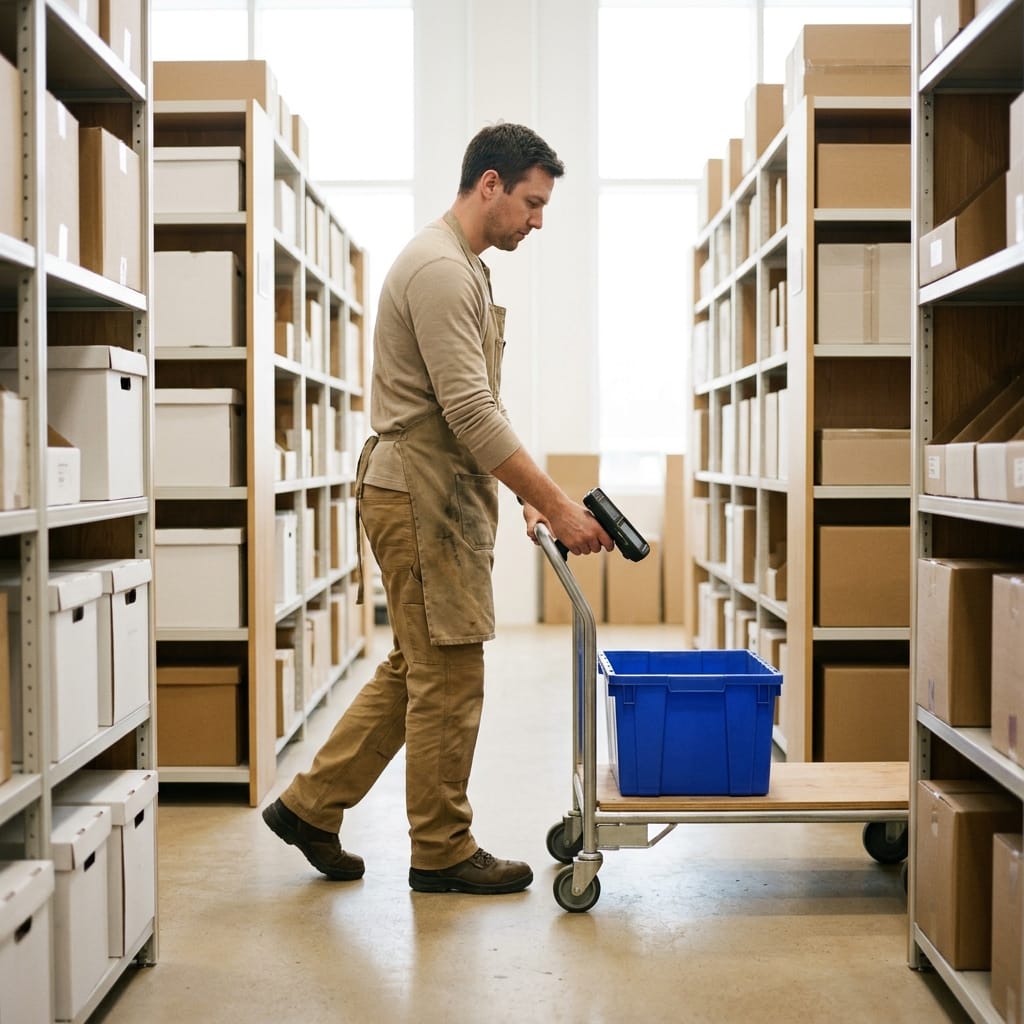
The system calculates the route
The picking list sorts itself by physical location —aisle, shelf, level. The operator follows the shortest path; they don't decide it.
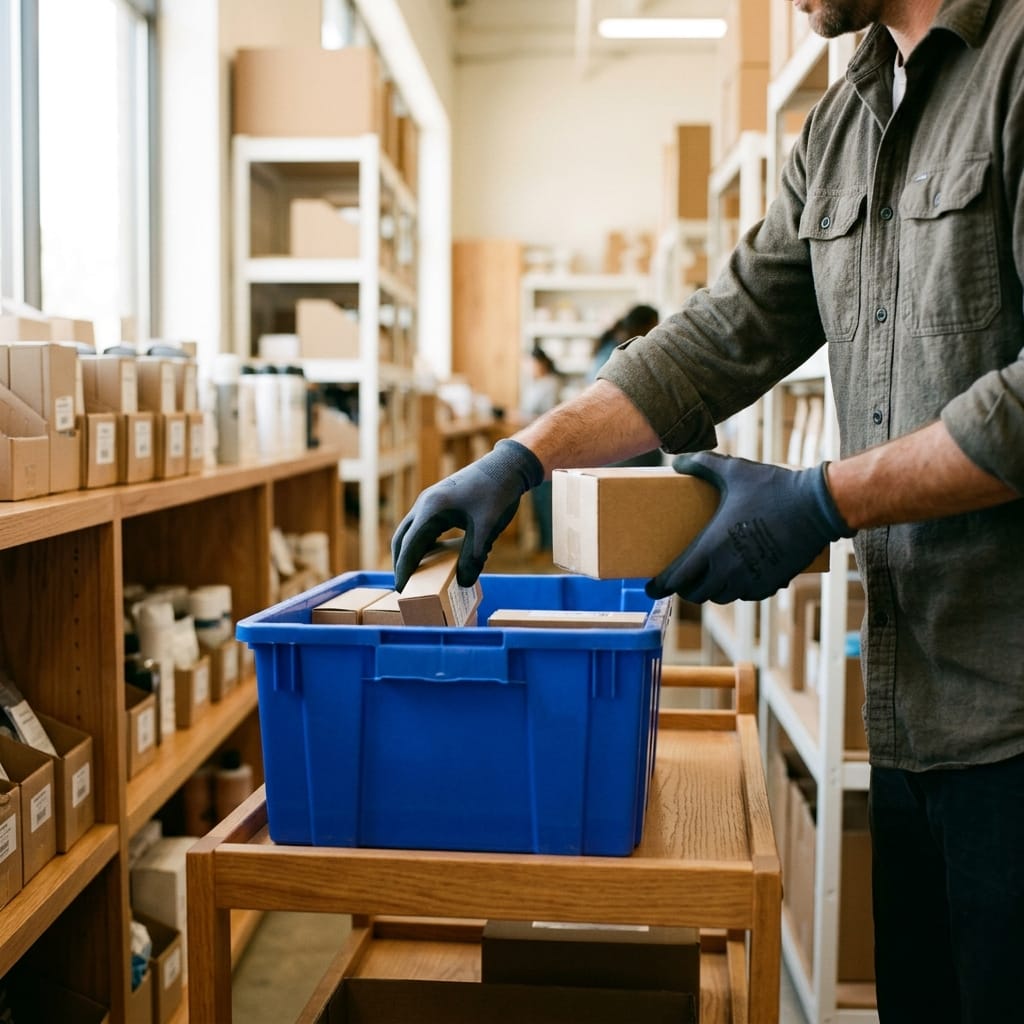
Goes straight to the location. No searching
Every line says exactly where it is: A-12, C-04. The team picks with no detours or questions, stop by stop.
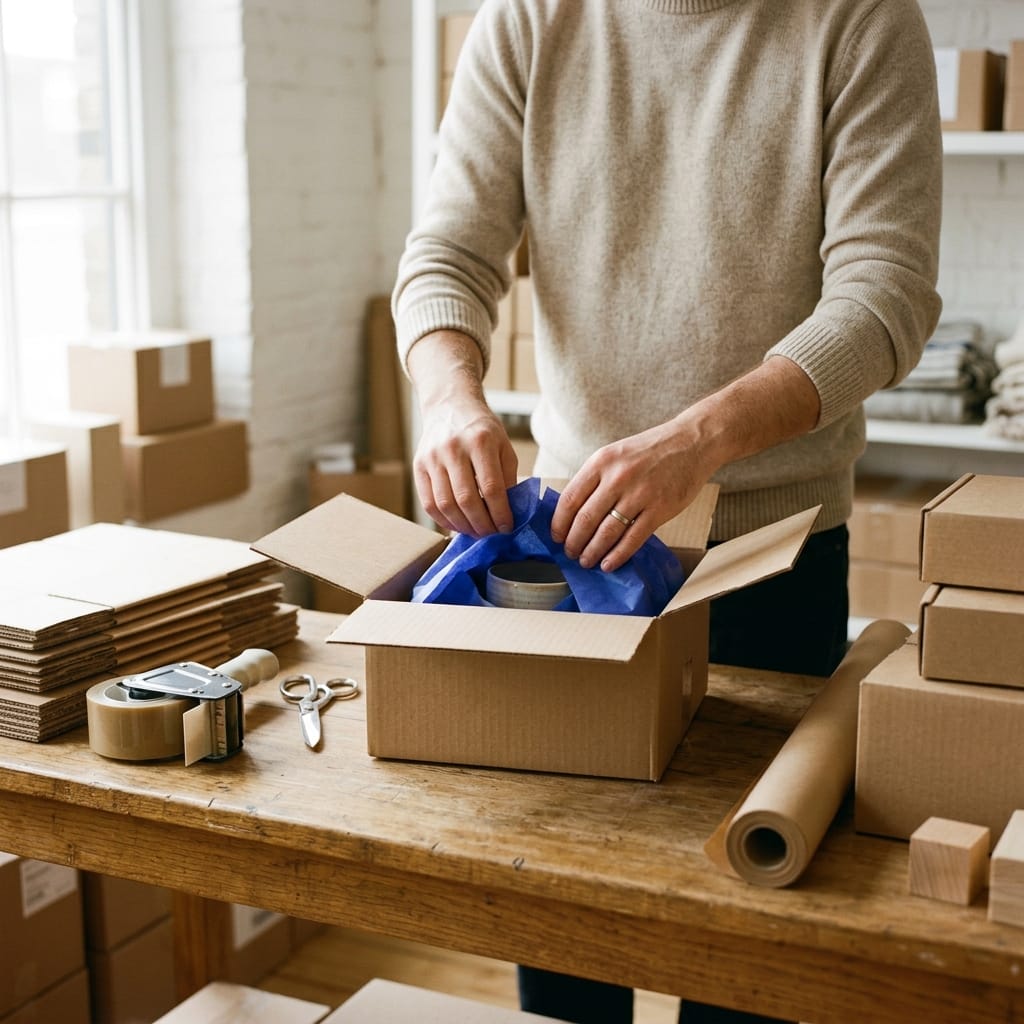
Every unit, validated on the spot
A scan or a click confirms the product at each stop. If it doesn't match, the system stops it before it reaches the box.
Paperless and from any device
Phone, tablet or computer. The route lives on the screen, not on a printout that goes stale at the first change.
~80%
fewer picking errors, with a guided route
Route
sorted by location: fewer steps per order picked
No hardware
proprietary: works from phone, tablet or computer
The picking list sorts itself by where each product is
Every line carries its physical location —aisle, shelf, level— and the list is sorted by the shortest path through the warehouse. The operator goes from A-12 to C-04 without backtracking. If a product has no assigned location, the system flags it: no reference is left unlocated.
If the product doesn't match, the system stops it before the box
At each stop on the route the operator confirms the unit by scanning the code or with a click, without typing anything. If they scan a product that isn't on the active line, the alert pops up right away. And if they pick fewer units than ordered, they can't close the order without the team knowing.
Pick several orders in a single trip through the warehouse
Group several orders into a single picking route: the operator makes one trip —sorted by location— and picks the products from all of them at once. They're then split by order in packing. Fewer trips, fewer steps, more orders per hour. Paperless: the route lives on the screen and updates instantly.
Who's running which route, and where they are, in real time
Assign each route to a specific operator before starting —or let whoever begins it take it— and watch the progress live: pending, in progress, completed. Every stop is traced by operator, so you know who picked what and when, without asking or waiting for a report.
Stories from warehouse teams that pick orders faster.
Tech · Retail
«Knowing exactly where I stand on finances, stock and sales helps me get from where I am now to where I want to take my business.»
Aldry Noriega · Owner
+1,200
stores running

Excellent, incomparable to others in service and quality of service
We are very happy with the change.
Gloria Victorero · on Google · translated
−70%
in operational errors
The entire picking route. On a single screen.
From the first stop to packing, every step sorted, guided and traced. Open each block to see how it works.
Route & path
Guided picking
Route sorted by physical location, along the shortest path.
Warehouse locations
Assign a position to each product so the route calculates itself.
Validation & grouping
Scan or click confirmation
Every unit validated at its stop, without typing anything.
Picking route assignment
Assign to specific operators and track progress in real time.
Order grouping
Several orders in a single trip, split in packing.
After the route
Packing
A flow separate from picking, with unit confirmation.
Delivery notes
The operator knows what's inside each box, without opening it.
Multi-warehouse
Each warehouse with its own location map and route queue.
Works even better alongside the rest of your operations
The picking route is the path; connect it with the rest of the system and the whole flow reconciles on its own.
Inventory
One stock across every channel, in real time.
Purchasing
Buy on data: what, how much and from whom, at real cost.
Manufacturing
Bills of materials and production orders that feed your stock.
Planning
Replenish from the warehouse and buy before you run out.
Orders
Every channel in one flow, with routing and returns.
Stores
Every sale updates stock, customer and till instantly.
Ecommerce
Shopify, WooCommerce and marketplaces in sync.
Wholesale
B2B portal, wholesale pricing and orders, with invoicing.
Frequently asked questions
How does the system decide the order of the picking route?
By the physical location you've assigned to each product in the warehouse —aisle, shelf, level. The picking list sorts itself so the path is as short as possible, and the operator goes from one stop to the next without backtracking or deciding the path themselves. If a product has no assigned location, the system flags it so you can fix it. You can also sort manually by brand, category or collection if you prefer.
Does the picking route need special hardware or barcode scanners?
No. It works from any device with a browser: computer, tablet or phone. The operator moves through the warehouse with their phone and confirms each unit by scanning or with a click. If you have a USB or Bluetooth barcode scanner, plug it in and it works; if not, the phone camera or a tap is enough. We don't require you to buy any proprietary device.
How does it prevent the wrong product from going out?
At each stop on the route the operator validates the unit. If they confirm by scanning, the code doesn't match the product on the active line and the system alerts right away: the error doesn't reach packing. If they confirm by click, the validation is visual —they see which reference and which location it should be. And if they pick fewer units than ordered, a warning appears before closing the route.
Can I pick several orders in a single trip?
Yes. You can group several orders into a single picking route so the operator picks them all in the same trip, sorted by location. Then, in packing, they're split by order before closing each box. It's the way to prepare more orders in fewer steps as volume grows.
Can I assign routes to specific operators and track progress?
Yes. You assign each route to a person before it starts, or let whoever begins it take it. From the dashboard you see in real time which route is in progress, which is blocked and who's handling each one, with the progress of validated stops. Every stop is traced by operator, so you know who picked what and when.
Does it work with several warehouses or picking orders from stores?
Yes. Each order is assigned to its warehouse or store of origin, and each team only sees its own routes, with the location map for that specific warehouse. You keep consolidated visibility of everything from the general dashboard. The route is calculated based on the locations configured at each site.
Ready to prepare more orders in fewer steps?
We'll show you how the picking route would look with your warehouse and your volume, in a personalized 20-minute demo.
No proprietary hardware · onboarding in weeks · Sendcloud included